
Invite Friends to the Cabin Game
Steam overlay invites, lobby join codes, version-mismatch checks, and the false failed-to-join fix after the Optimization Update.
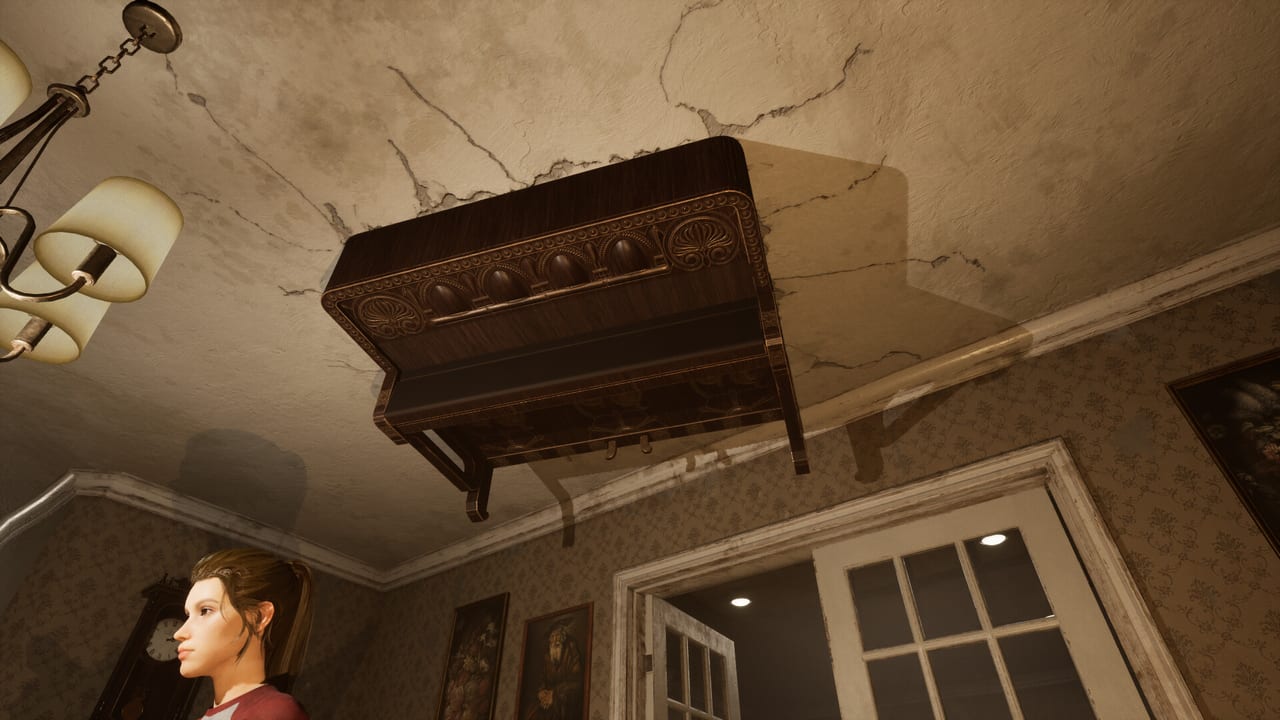
the cabin game is built for 1–4 players and ships solo and online co-op on Steam Windows. There is no local split-screen and no matchmaking; the studio has been clear that this is a friends-first, lobby-driven game. That means the only way to get a second player into the same run is through the Steam lobby system, and the first failed invitation on a fresh copy is almost always one of three things: a private lobby that has not been opened, a version mismatch between two Steam installs, or a stale Steam client that has not seen the latest build. This page is the step-by-step walkthrough for inviting friends without a wasted night.
If you are still single-player, the rest of the Guides Hub assumes you can already reach the table. This page assumes you can launch the game, but it does not assume you have ever opened a Steam lobby before.
Before you invite anyone
Three preflight checks catch most of the failure reports on Steam Community discussions:
- Update both copies of the game. Right-click the cabin game in your Steam Library → Properties → Updates. Steam should say “Up to date — Latest version”. The Optimization Update (30 August 2026) added a version-mismatch check that now refuses to seat mixed builds at the same table, so an outdated install on either side is no longer benign.
- Restart Steam on both machines. A client that has not been restarted since the latest patch can fail the handshake even when the game versions match.
- Confirm both of you own the cabin game on the same store region. If one copy is from a different region or a key from a third-party reseller, family sharing may not include co-op for this title.
If all three pass, continue. If one fails, fix it and retry before reading further; the rest of this page assumes a matched, updated pair.
Open the cabin game lobby
In the cabin game’s main menu, select Play. The lobby screen has two halves: a host panel (you, on the left) and a join panel (your friends, on the right). The host can adjust difficulty, monster intensity, and table layout rules before opening the lobby. Solo runs are still placed from the same lobby screen; you do not have to switch to a separate solo mode.
If the game drops you straight into a run instead of the lobby, you are not in the lobby. Press Esc to return to the lobby screen, then invite from there. Lobbies persist across menu navigation but not across crashes, so do not assume a lobby is still up if you alt-tabbed for ten minutes.
Invite from the Steam overlay
The fastest path for friends who already own the cabin game:
- In the cabin game, press Shift+Tab to open the Steam overlay.
- From the Friends List, right-click a friend who owns the cabin game.
- Choose Invite to Game.
- Steam sends the invite through the overlay; the friend sees a pop-up and clicks Join Game.
If the friend is online and the cabin game is running on their end, the join usually happens within a few seconds. If the friend does not own the cabin game, Steam prompts them to buy it; co-op is not part of family sharing on this title, so a shared copy cannot join a paid lobby.
If the friend is in a different game, they need to quit it first. The Steam overlay only handles one game session at a time.
Invite from the join code
When a friend is not on your Steam Friends List or is on a console with overlay disabled, the cabin game offers a join code that the host can read aloud or paste into a chat:
- The host opens the lobby panel.
- The host copies the join code by clicking the Copy Code button next to the lobby name.
- The host pastes the code in any chat (Discord, Steam chat, SMS, email) to the friend.
- The friend opens the cabin game main menu → Play → Join with Code → pastes the code.
Join codes are short strings, not redeem codes. They do not unlock cosmetics or candy. They are lobby invitations that expire when the host closes the lobby or starts a run. The Codes Hub explains why there are no candy redeem codes for the cabin game.
If the host sees “Join Code Failed” even though the friend is already in the lobby, that is the false failed-to-join message fixed in the Optimization Update (30 August 2026). Close the dialog and continue; the friend is seated. If the friend gets a fresh “failed to join” after the Optimization Update, run through the crash fix page’s join-code section.
Cross-play and platform limits
the cabin game is Steam Windows only. There is no cross-play with the Epic Game Store, GOG, or any console, and no plans for one in the current roadmap. If you want to play with a friend on a console, that path is not open. Family-shared copies on Steam can join a paid lobby in a limited mode; expect reduced functionality and confirm with the host that the shared copy is allowed in their lobby settings.
If you are on a Mac, the cabin game does not run natively and there is no Proton Verified badge yet. Steam Play Proton can sometimes boot the game, but co-op through Proton is not officially supported and is not on the roadmap.
Why a friend cannot start their turn
This is the most common post-invite failure. The cause is almost always one of:
- Version mismatch. Verify game files on both sides and restart Steam. The Optimization Update added a check for this.
- Different Steam branches. One of you is on the public branch and the other is on a playtest branch. Steam branches are selected from Properties → Betas. Switch both to “none - Opt out of all beta programs” unless you have explicitly opted in together.
- Mixed Steam clients. Restart Steam on both sides so the latest handshake library loads.
- Stale lobby. The host closed the lobby and started a run. Re-invite after the host returns to the lobby screen.
Full hosting steps and join-code recipes are on hosting and join codes.
Roles inside a 1–4 player lobby
Once everyone is seated, the cabin game does not assign explicit roles. Roles emerge from what each player is willing to do:
- Table caller. Stays seated and reads the clock pawn, the monster pawn, and the next card. Reads card text out loud when it is a riddle.
- Searcher. Stands up and walks the rooms. Logs every object in the clue notebook.
- Event runner. Handles the Event Card minigame without panicking. Presses M for tips.
- Lifesaver bank. Holds the lifesaver cards and decides when to push the monster pawn back. Lifesaver cards are worth more when spent at the right hour.
In a 1–4 player run, table caller plus searcher is the minimum split. Solo runs collapse all four roles into one body, which is why solo takes a different stance on time-skips and event pacing. Co-op etiquette lives on co-op.
Late-join and mid-run joining
A friend can join an active run from the lobby only between full turns. The cabin game does not let a player drop into a chase in progress. If a friend wants to join mid-run, the host should pause by returning to the lobby from the main menu, send a new invite, then start the next turn. Re-joining mid-run can briefly desync room placement, so plan room placement before you invite late.
If the host loses a player mid-run because of a crash, the cabin game lets the remaining players finish alone. The clock and monster pawn keep moving. This is a documented behavior, not a bug. The solo notes explain how to keep a run alive when a player drops.
After everyone is in: who decides the rules
The host controls the lobby. Difficulty, monster intensity, table layout rules, and the choice to start a run are all host decisions. The cabin game does not have a voting system; the host’s word starts the run. If the host is leaving for the night, transfer host through Steam’s Manage Party controls in the overlay before exiting the lobby. Do not close the lobby and start a new one without telling your group.
If a friend is griefing (using tricks ‘n treats during a learning run, intentionally misreading clues, or hiding the notebook), the host can remove that player from the lobby through the Steam party panel. The cabin game does not have an in-game report button tied to a player; the report path for griefing goes through Steam’s general reporting tool.
A short checklist for a clean invite
Before you press the join button, walk this list:
- Both copies of the cabin game are on the latest build.
- Steam has been restarted on both machines since the last patch.
- The host is at the lobby screen, not inside a run.
- The friend is on your Friends List and is online.
- The lobby is set to public, or the friend has the join code.
- You have agreed on rules: difficulty, monster intensity, table layout.
- One of you has agreed to be the table caller; one of you has agreed to be the searcher.
If all seven pass, the run almost always starts. If it does not, the crash fix page covers the remaining failure modes, and hosting and join codes has the lobby-side troubleshooting.
Frequently Asked Questions
Quick answers about cards, clues, monsters, and escaping the cabin.
Can I invite a friend who doesn't own the cabin game?
Not directly. They need to buy a copy on Steam. Family sharing does not unlock co-op for this title, and there is no cross-play with consoles or other storefronts. The host will get an invite prompt; the friend sees a buy screen if they do not own it.
Why does my friend see a failed-to-join message after the join succeeded?
That is the false failed-to-join message fixed by the Optimization Update on 30 August 2026. The friend is actually seated. Close the dialog and continue. If the failure persists, verify game files and restart Steam on both sides. Full steps are on crash fix.
Is the cabin game cross-play between PC and console?
No. the cabin game is Steam Windows only. There is no cross-play with consoles or other storefronts in the current build, and none is on the roadmap. Steam Play Proton can sometimes boot the game on Linux, but co-op through Proton is not officially supported.
How do I send a join code to a friend?
The host opens the lobby panel and clicks **Copy Code**, then pastes the string into any chat. The friend opens the cabin game → **Play** → **Join with Code** and pastes it. Join codes are lobby invitations; they are not redeem codes for candy or cosmetics. See Codes for the difference.
Can a friend join my run after it has already started?
Only between full turns. The host pauses by returning to the lobby from the main menu, sends a new invite, then starts the next turn. Joining mid-chase is not supported. Re-joining between turns can briefly desync room placement, so plan ahead if you know the second player will arrive late.
What happens if a player drops mid-run?
The remaining players continue with the clock and monster pawn still moving. The run is not paused and the dropped player is not replaced. This is a documented behavior, not a bug. Solo pacing tips are on solo.